

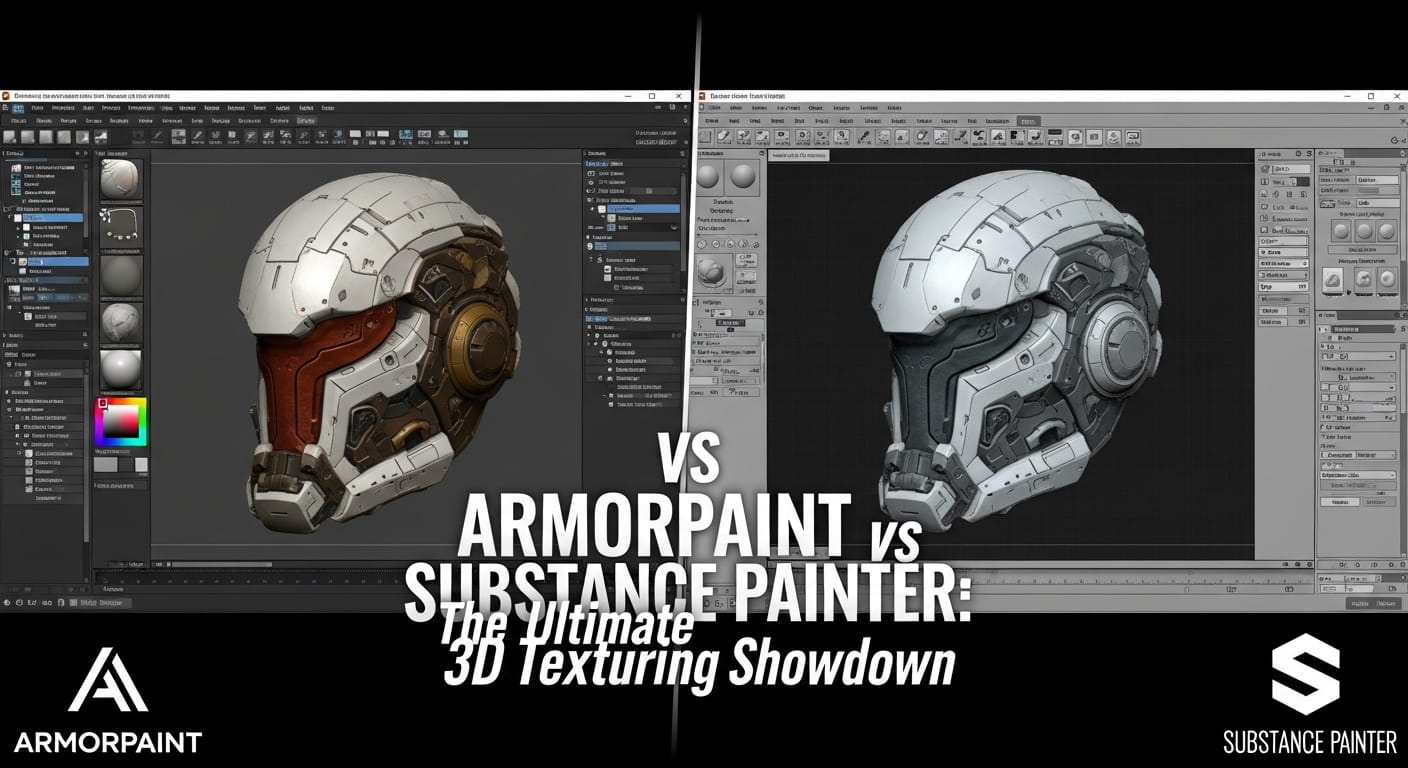
In the world of 3D asset creation, texturing is the bridge between a grey mesh and a photorealistic masterpiece. For the better part of a decade, Adobe Substance 3D Painter has stood as the undisputed champion of this domain. Its “Smart Materials” and “Generators” changed the industry, moving artists away from the tedious manual painting of Photoshop and into a non-destructive, 3D-first workflow.
However, a shift is occurring. As subscription fatigue sets in across the creative industry and the open-source movement (led by Blender) gains massive momentum, a new challenger has emerged: ArmorPaint. Developed by the team behind the Armory3D engine, ArmorPaint promises a lightweight, GPU-accelerated, and incredibly affordable alternative to Adobe’s ecosystem.
But can a program that weighs less than a single high-resolution texture really compete with the industry titan? In this comprehensive guide, we dive deep into the ArmorPaint vs Substance Painter debate to see which tool belongs in your 2026 pipeline.
1. What is Adobe Substance 3D Painter?
Substance 3D Painter is the industry standard for PBR (Physically Based Rendering) texturing. Originally developed by Allegorithmic before being acquired by Adobe, it is designed around a layer-based system that will feel immediately familiar to anyone who has used Photoshop.
The Substance Philosophy: Painter is built for speed and iteration. It uses a “stack” system where you apply fill layers, masks, and effects. Its crown jewel is the Smart Material system—materials that look at the geometry of your model (curvature, ambient occlusion, etc.) to automatically place wear and tear in realistic places. If you want rust to appear only in the crevices of a machine, Substance Painter does it with a single click.
2. What is ArmorPaint?
ArmorPaint is a standalone software designed for physically based texture painting. Unlike Substance, it is open-source (zlib license) and built from the ground up to run entirely on the GPU.
The ArmorPaint Philosophy: ArmorPaint is unapologetically minimalist and technical. It doesn’t come with a 50GB library of presets. Instead, it provides a powerful Node-Based Editor. Brushes, materials, and masks are all controlled via nodes, similar to the Shader Editor in Blender or the Material Graph in Unreal Engine. This makes it incredibly flexible for technical artists who want to build their own procedural systems without the overhead of a heavy suite.
3. Workflow: Layers vs. Nodes
The most significant difference between these two programs is how they handle data.
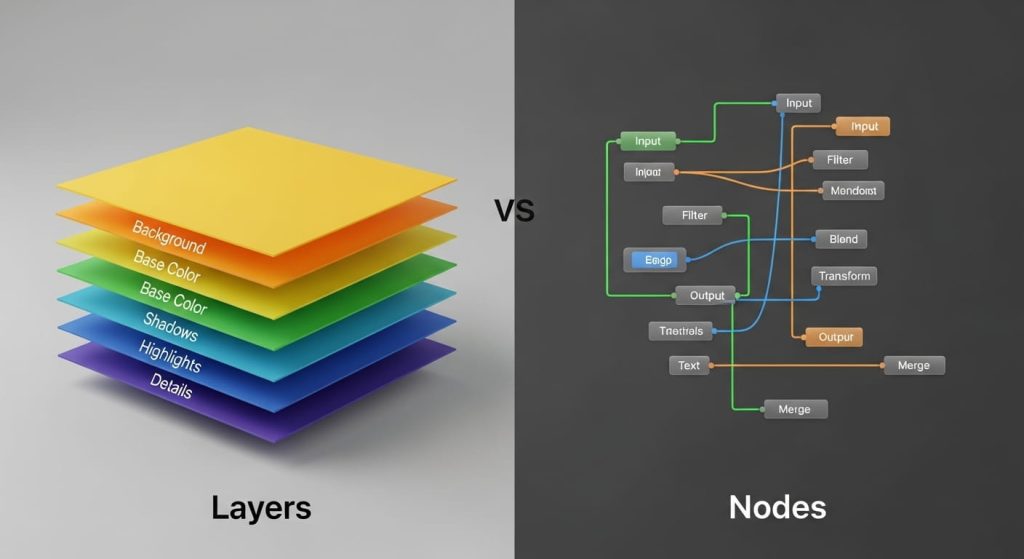
- Substance Painter (Layer-Based): Painter uses a top-down hierarchy. You have layers, folders, and masks. It’s intuitive and visual. While it does have a “Node Graph” for some advanced functions, 90% of the work happens in the layer stack. This is excellent for artistic direction—you can easily toggle a “Dust Layer” on or off to see the effect.
- ArmorPaint (Node-Based): Everything in ArmorPaint is a node. While it has a layer panel to keep things organized, the “logic” of the material lives in the node graph. This allows for complex mathematical operations that are difficult to achieve in a standard layer stack. For example, you can create a brush that changes color based on the slope of the model or the pressure of your stylus, all within a single node network.
The Winner: Substance Painter for speed; ArmorPaint for technical flexibility.
4. Performance: The GPU Advantage
One of ArmorPaint’s biggest selling points is its performance. Because it is written in C and Krom, and runs almost exclusively on the GPU, it is incredibly snappy.
- ArmorPaint Speed: It can handle 4K and even 16K textures on relatively modest hardware because it doesn’t carry the “bloat” of a massive asset manager or background Adobe services. It opens in less than two seconds and is portable—you can run it off a USB stick.
- Substance Painter Weight: Substance is a resource-hungry beast. As your project grows with hundreds of layers and UDIM tiles, the “Exporting Textures” or “Baking” process can become a coffee-break-length event. It requires a significant amount of RAM and a high-end NVIDIA card to remain fluid in complex scenes.
READ ALSO: [Free] 10 Best Universal AC Remote Control App for Android
5. Asset Libraries and Ecosystem
This is where the gap between the two is widest.

- The Adobe Ecosystem: Substance Painter is backed by Substance 3D Assets (formerly Source), a library of thousands of scanned materials. If you need a specific type of weathered 1950s leather, it’s there. The integration with Substance Designer (for creating materials) and Substance Sampler (for scanning real-world objects) creates a “closed-loop” professional pipeline.
- The ArmorPaint Community: ArmorPaint is an “assembly required” tool. While it can import standard PBR textures from sites like PolyHaven or AmbientCG, you have to set up the node connections yourself (though it has an auto-assemble feature). There is no official massive cloud library, which means you’ll be spending more time building your foundations than you would in Substance.
6. Pricing: Subscription vs. Freedom
For many, this is the deciding factor.
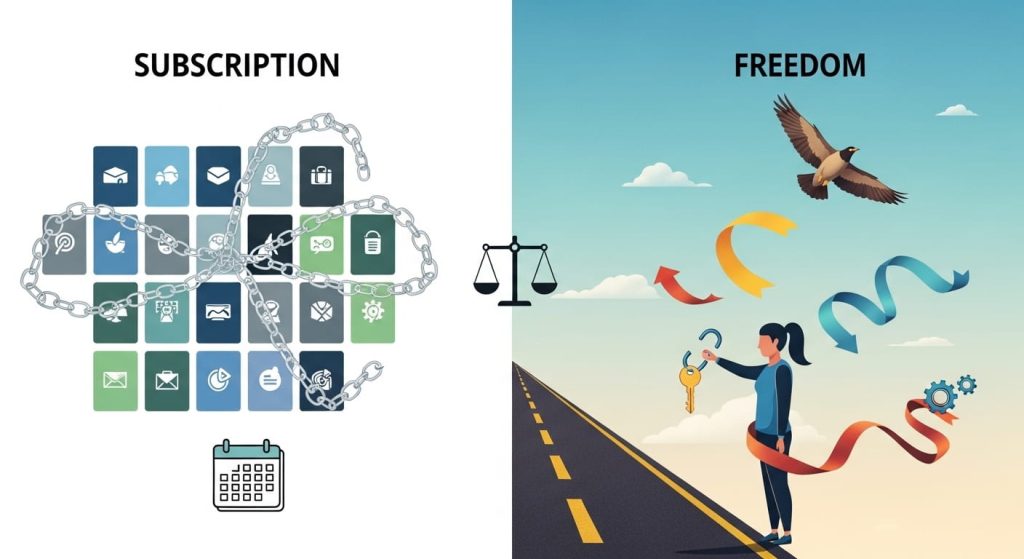
- Substance 3D Painter: Part of the Adobe Substance 3D Collection, which currently costs roughly $49.99/month for individuals. While there is a “Perpetual License” available on Steam for about $149, it only provides updates for one calendar year, effectively making it an annual fee if you want to stay current.
- ArmorPaint: It is technically free if you compile it yourself from the source code on GitHub. If you want the convenient, pre-compiled binaries (the
.exeor.appfile) and to support the developer, it is a one-time payment of roughly $18-$20. No subscriptions. No login required. You own it forever.
7. Portability and Mobile Support
Interestingly, ArmorPaint has taken a lead in the mobile space. It has a fully functional version for iPad and Android tablets. While Adobe has released “Substance 3D Viewer” for web/mobile, the full painting experience is still confined to the desktop. For artists who want to texture on a plane or at a coffee shop using an Apple Pencil, ArmorPaint is currently the only serious professional contender.
8. Baking Capabilities
Baking (transferring high-poly detail to low-poly meshes) is a core part of the texturing workflow.
- Substance Painter: Has the world’s most robust bakers. They are fast, handle “match by name” perfectly, and rarely produce artifacts.
- ArmorPaint: Includes hardware-accelerated ray-traced baking (if your GPU supports DXR or Vulkan Ray Tracing). It is impressive for an indie tool, but it lacks some of the finer controls for “skews” and “cages” that professional hard-surface artists rely on in Substance.
9. Industry Adoption
- Substance: If you want a job at Ubisoft, EA, or Sony, you must know Substance Painter. It is the language of the industry.
- ArmorPaint: Perfect for solo indie developers, small boutique studios, or Blender enthusiasts who want a tool that matches the “freedom” philosophy of their existing stack.
10. The Verdict: Which Tool Wins?
Choose Substance Painter If:
- You are a professional working in a AAA studio or aiming for one.
- You have the budget for a monthly subscription.
- You need “Smart Materials” to finish assets in minutes rather than hours.
- You rely on heavy UDIM workflows for film or high-end cinematics.
Choose ArmorPaint If:
- You are an indie developer on a budget.
- You are a “Blender-first” artist who prefers node-based logic.
- You want a lightweight tool that doesn’t bog down your system.
- You want to paint on an iPad with a professional PBR workflow.
- You morally oppose the subscription-only software model.
Final Thoughts
In the ArmorPaint vs Substance Painter rivalry, there is no “objective” winner—only the right tool for the right job. Substance Painter remains the heavy-duty power tool of the industry, unmatched in its depth and asset support. ArmorPaint, however, is a lean, mean, GPU-powered scalpel that proves you don’t need a massive corporation to create stunning 3D art.
If you are just starting out, download the ArmorPaint source or pay the small one-time fee to give it a try. You might find that for 90% of your projects, the “underdog” is more than enough to get the job done.
Frequently Asked Questions
1. Is ArmorPaint truly a “free” alternative to Substance Painter? ArmorPaint is open-source, which means it is free if you are willing to download the source code from GitHub and compile it yourself. However, to support the developer and get a convenient, ready-to-run installer (binary), there is a small one-time fee of around $20. Compared to Substance Painter’s monthly subscription model, this makes it significantly more affordable for long-term use.
2. Can I import my existing Substance (.sbsar) materials into ArmorPaint? Not natively. Substance (.sbsar) is a proprietary format owned by Adobe. To use these materials in ArmorPaint, you typically need to export the individual PBR texture maps (Base Color, Normal, Roughness, etc.) from Substance Player or Designer and then plug them into ArmorPaint’s node editor manually.
3. Which software is better for beginners? Substance Painter is generally considered more beginner-friendly due to its intuitive, layer-based interface that mirrors Photoshop. It also includes “Smart Materials” that do much of the heavy lifting automatically. ArmorPaint’s node-based logic is powerful but requires a deeper understanding of how PBR shaders are constructed, which can be a steeper learning curve for newcomers.
4. How does the performance compare on older hardware? ArmorPaint has a massive advantage here. It is a portable application (under 10MB) that runs entirely on the GPU. While you still need a decent graphics card, it doesn’t suffer from the massive RAM and CPU overhead that Substance Painter requires for complex projects. ArmorPaint feels much snappier on mid-range laptops where Substance might struggle with lag.
5. Does ArmorPaint support 8K or 16K texturing? Yes, ArmorPaint supports painting at 16K resolutions, provided your GPU has enough VRAM. Substance Painter is typically capped at 8K for most workflows. This makes ArmorPaint a surprisingly viable tool for high-fidelity assets, though managing such large files still requires significant hardware power.
6. Can I use ArmorPaint for professional work? Absolutely. Many indie developers and freelance artists use ArmorPaint for commercial assets. However, if you are looking to work at a major AAA game studio, Substance Painter is the mandatory industry standard. Most studio pipelines are built around the Adobe ecosystem, making Substance knowledge a requirement for employment.
7. Does ArmorPaint have a community library for materials? While it doesn’t have a built-in cloud library like Adobe Assets, the community is growing. You can find ArmorPaint-ready materials on various open-source platforms and Discord communities. However, you will likely spend more time “building” your own library compared to the “plug-and-play” nature of Substance Painter.