

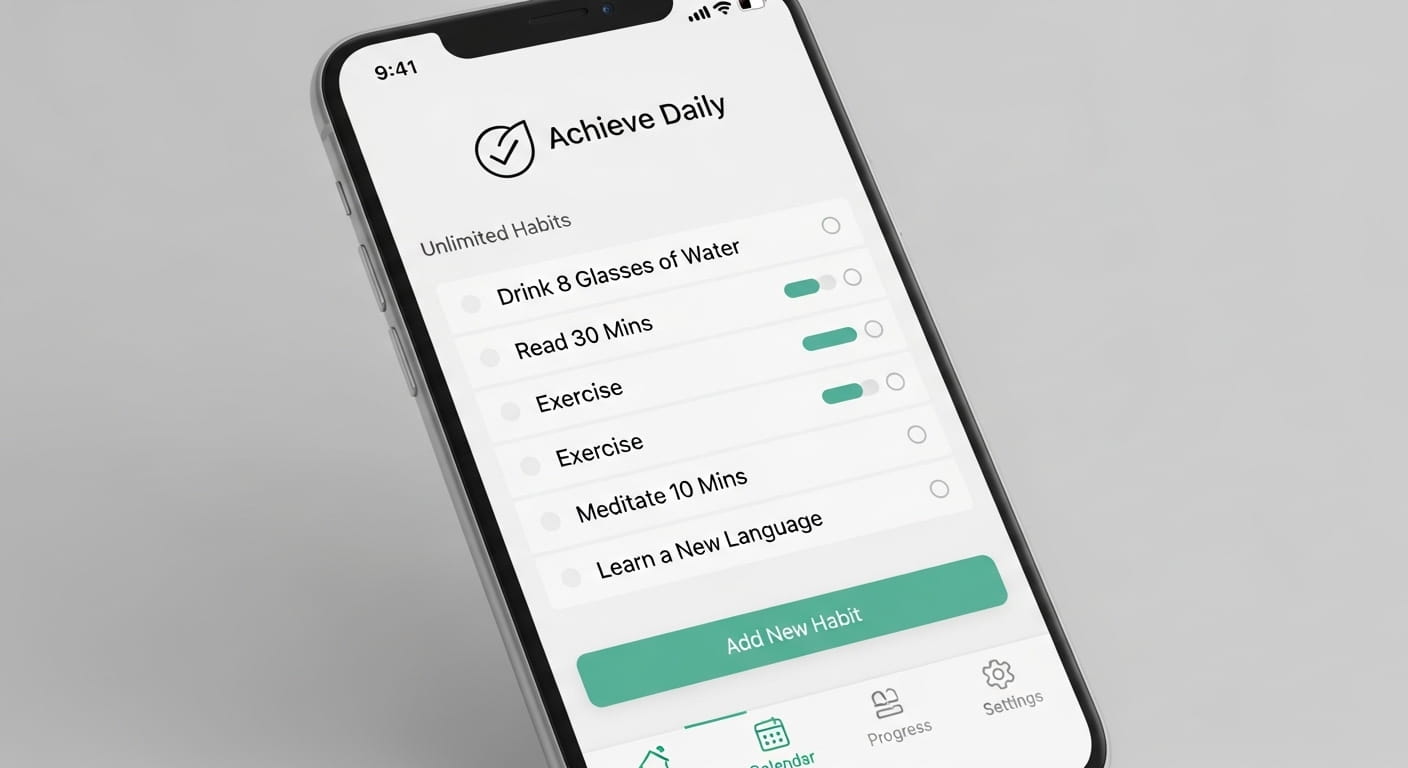
Let’s be honest: the Google Play Store is a minefield of “freemium” traps. You download a habit tracker, spend twenty minutes setting up your routine, and just as you try to add your fourth habit, you’re hit with a “Go Premium” pop-up. It’s a massive momentum killer.
When you’re trying to debug your life and install better systems, you shouldn’t have to pay a monthly subscription just to check a box. As power users, we want tools that are scalable, privacy-focused, and—most importantly—actually free.
I’ve spent the last few weeks hands-on with dozens of trackers—installing, configuring, and occasionally breaking them—to find the ones that don’t cap your progress. Here are the top 9 Android habit trackers that offer unlimited habits without the paywall.
How Rhozex Evaluates Apps
Before we dive into the list, I want to be transparent about how I tested these. I don’t just look at the star rating on the Play Store. To make the cut for Rhozex, an app has to pass a four-tier “Power User” audit:
- The Unlimited Test: If an app restricts me to 3 or 5 habits on the free tier, it’s out. We are looking for tools that scale with your growth.
- UI/UX Friction: Does it follow Material Design principles? Is the “add” button intuitive, or do I have to menu-dive?
- Data Sovereignty: Can I get my data out? I prioritize apps that offer CSV, JSON, or SQLite exports. Your progress shouldn’t be held hostage.
- Privacy & Permissions: Why does a habit tracker need my contacts? I flag any app with unnecessary permission requests.
Quick Comparison: The No-Paywall Power Players
| App Name | Standout Feature | Unlimited? | Data Privacy | Best For |
|---|---|---|---|---|
| Loop | FOSS / No Cloud | Yes | 10/10 (Local) | Privacy Purists |
| Habitica | RPG Mechanics | Yes | 8/10 (Sync) | Gamers |
| HabitNow | Comprehensive Routine | Yes | 7/10 (Backup) | Power Users |
| Everyday | Minimalist Board | Yes | 8/10 (Sync) | Visual Learners |
| TickTick | Task Hybrid | Yes | 7/10 (Sync) | Productivity Pros |
| Dreamfora | Expert Templates | Yes | 7/10 (Sync) | Goal Setters |
| Rabit | Interactive Garden | Yes | 6/10 (Sync) | Aesthetic Lovers |
| Avocation | Science Lessons | Yes | 9/10 (Local) | Beginners |
| Habitify | Pro Analytics | Yes | 7/10 (Sync) | Data Junkies |
1. Loop Habit Tracker: The Best Open-Source Habit Tracker for Privacy
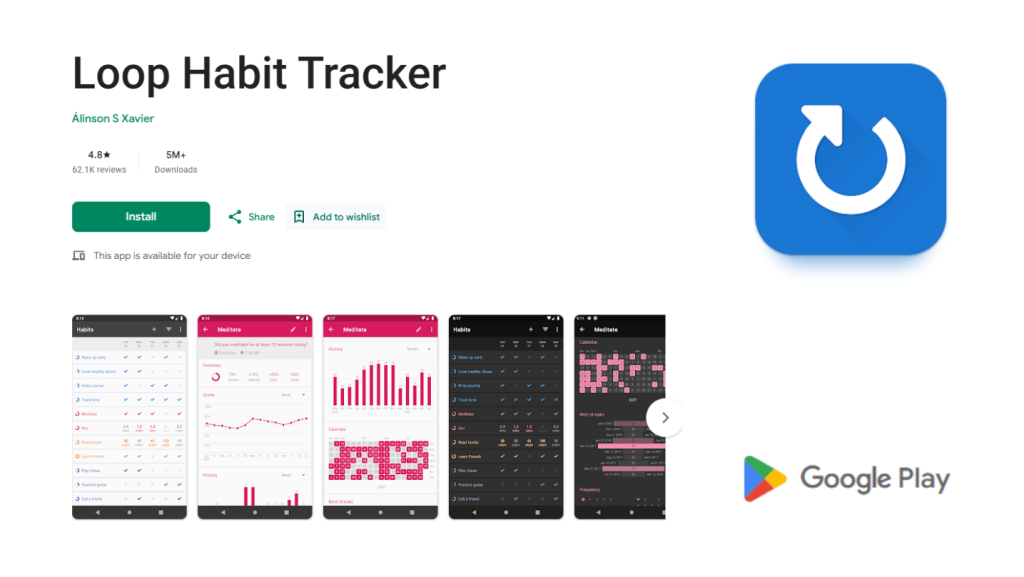
If you’re a fan of FOSS (Free and Open Source Software), Loop is the gold standard. I’ve been using Loop on and off for three years, and it remains the cleanest, most “Linux-vibe” app on Android. It has no ads, no trackers, and requires zero internet permissions.
My Experience: Setting up Loop feels like working with a clean slate. There’s no “onboarding” fluff. You just hit the plus icon and start. What I love most is the “Habit Strength” algorithm. Instead of just showing a percentage, it uses a formula to calculate how “ingrained” a habit is. If you miss a day after a 30-day streak, your score doesn’t reset to zero; it takes a slight dip, which is much more psychologically realistic.
- Pros: 100% free forever; no ads; excellent widgets; dark mode is pure black (OLED friendly).
- Cons: No cloud sync (you have to manually export backups to Google Drive or Dropbox).
- Platforms: Android.
- Price: Free / Open Source.
- Unique Features: Advanced SQLite/CSV exports; habit strength charts; “Check” vs. “Measurable” habits.
2. Habitica: The Best Gamified Habit App for RPG Fans
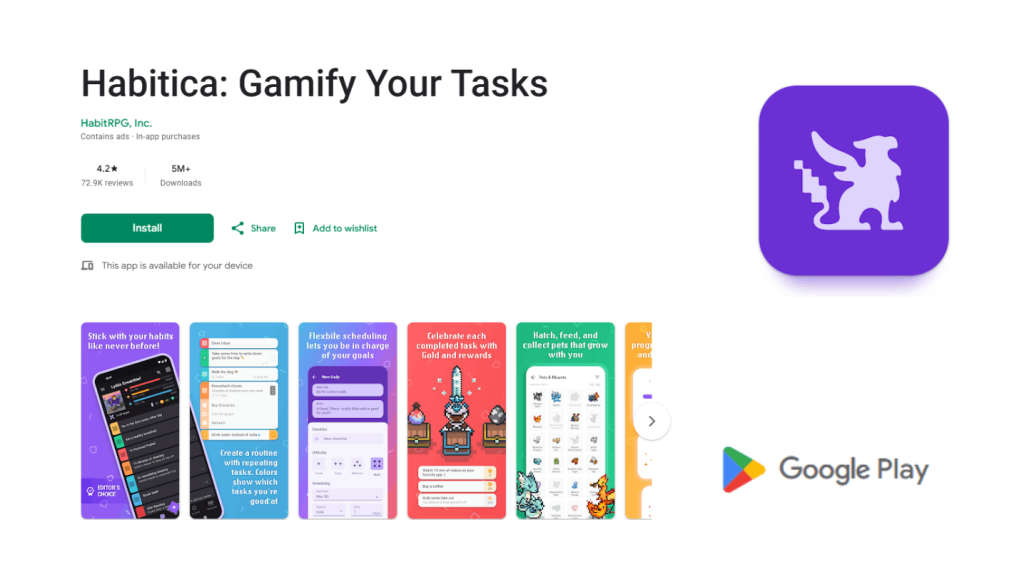
Habitica isn’t just an app; it’s a community. If your brain is wired to respond to XP bars and loot drops, this is the only app that will keep you consistent.
My Experience: I joined a “Party” with three other tech bloggers. Every time I forgot to “Write 500 words,” my character lost health. If I died, my teammates lost progress too. That social pressure is a game-changer. It turns the mundane task of “flossing” into a quest for legendary armor. The pixel-art aesthetic is charming and keeps the app from feeling like “work.”
- Pros: Incredible social accountability; deep RPG mechanics; browser and mobile sync.
- Cons: The UI can feel cluttered and overwhelming for new users.
- Platforms: Android, iOS, Web.
- Price: Free (Cosmetic purchases only).
- Unique Features: Boss battles; pet collection; “Dailies” vs. “Habits” vs. “To-Dos.”
3. HabitNow: The Best Daily Routine Planner for Power Users
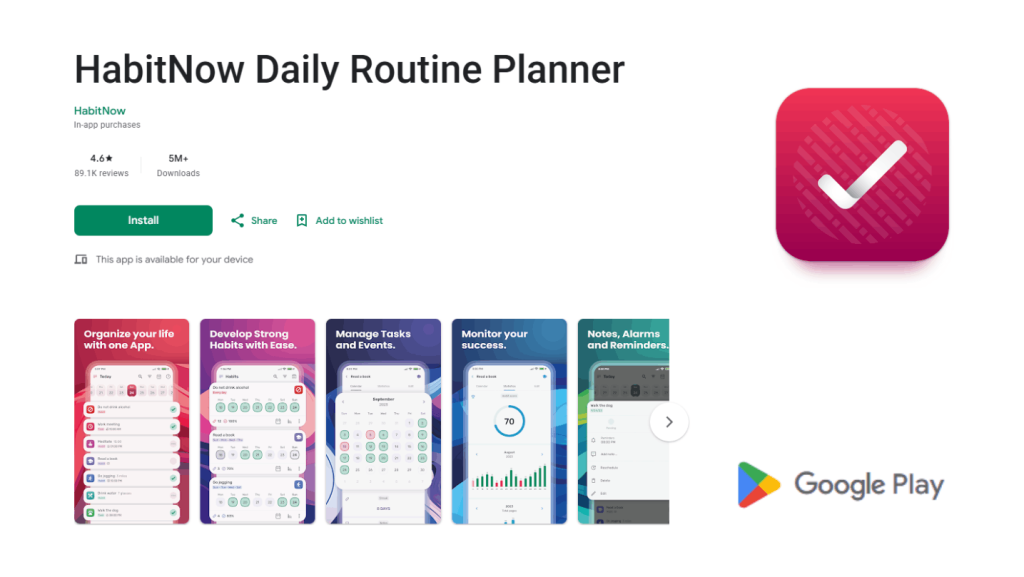
HabitNow is for the person who wants a “Command Center.” While many apps focus on just one thing, HabitNow bridges the gap between a simple tracker and a full-blown daily routine planner.
My Experience: What struck me about HabitNow was the categorization. I could separate my “Work” habits (Deep work, Email) from “Personal” (Gym, Meditation) with distinct color coding. The calendar view is the best I’ve seen—it feels native to Android’s Material Design. It also allows you to set “Checklists” within a habit, which is perfect for complex routines like a 10-step morning ritual.
- Pros: Highly organized; supports “Negative Habits” (quitting smoking); recurring tasks.
- Cons: The free version has occasional ads; cloud sync is a premium feature (local backup is free).
- Platforms: Android.
- Price: Free (with ads) / One-time Pro upgrade.
- Unique Features: Integrated timer for habits; custom categories; lock screen security.
4. Everyday: The Best Minimalist Habit Streak Tracker
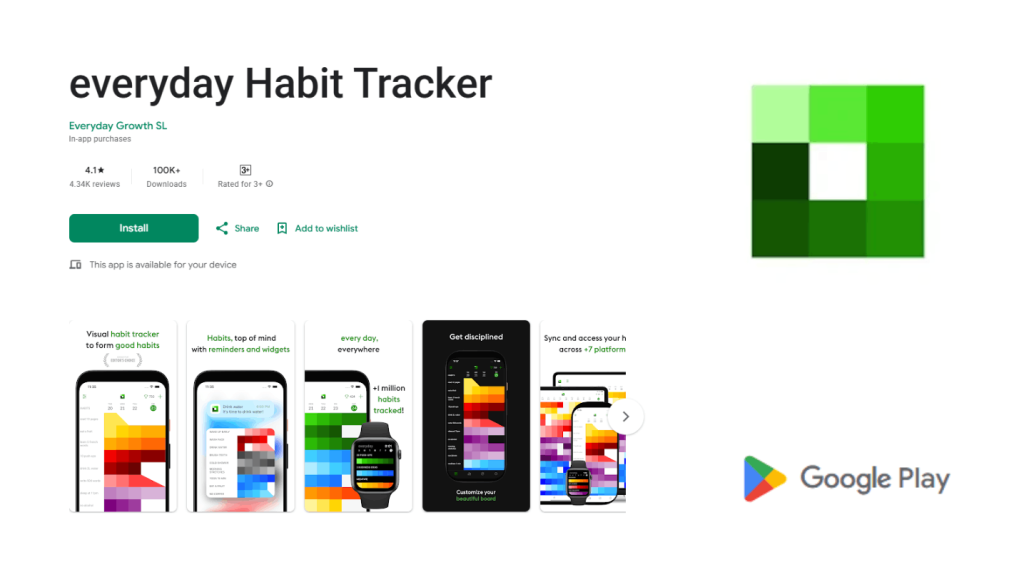
Everyday follows the “Don’t Break the Chain” philosophy popularized by Jerry Seinfeld. It’s a beautiful, horizontal board that visualizes your streaks.
My Experience: As a visual learner, I love how the colors work here. As your streak grows, the color of the square becomes more vibrant. It’s a literal representation of your habit becoming stronger. The UI is incredibly “wide,” which might feel weird on a small phone, but on a tablet or a modern large-screen Android, it’s a masterpiece of minimalism.
- Pros: Cleanest UI on the market; cross-platform sync; web version is top-tier.
- Cons: No “measurable” habits (it’s just yes/no).
- Platforms: Android, iOS, Web, Chrome Extension.
- Price: Free for unlimited habits (limited extra features).
- Unique Features: “Skip” day feature (doesn’t break the streak); beautiful color gradients.
5. TickTick: The Best All-in-One Productivity App with Habit Integration
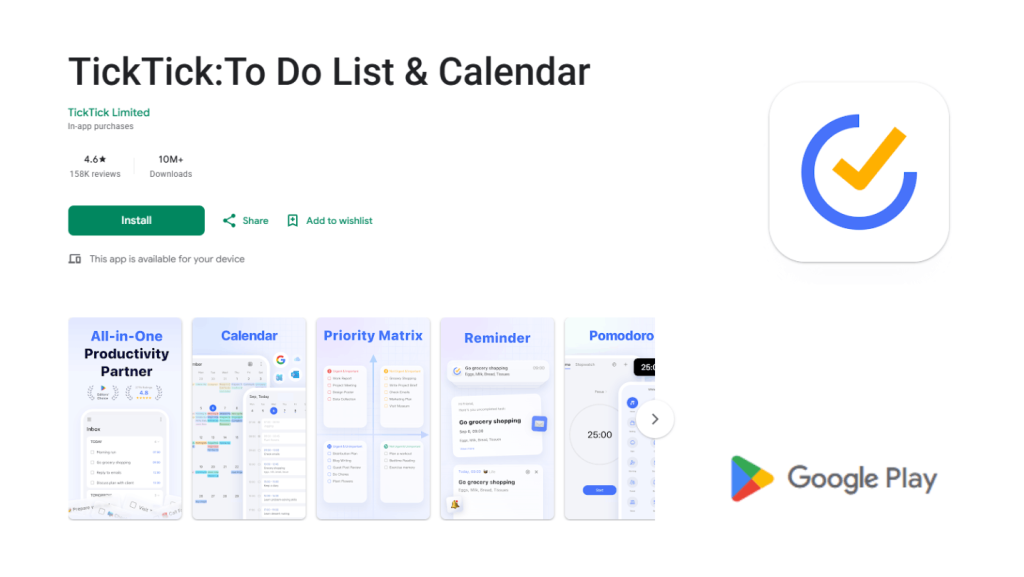
Most people know TickTick as a To-Do list, but its habit-tracking module is surprisingly robust. If you want to consolidate your tech stack and avoid “app fatigue,” this is the move.
My Experience: I love the “Habit Log” integration. In TickTick, I can see my “Gym” habit right next to my “Finish Project Report” task. You can even set a habit to trigger a Pomodoro timer automatically. For example, my “Coding Practice” habit opens the focus clock as soon as I tap it. It’s the ultimate efficiency workflow.
- Pros: One app for everything; reliable cloud sync; built-in Pomodoro and White Noise.
- Cons: The “unlimited” habits on the free tier can sometimes be subject to change (currently generous, but they push the Pro version hard).
- Platforms: Android, iOS, Windows, Mac, Web.
- Price: Free (with Pro tier for advanced stats).
- Unique Features: Eisenhower Matrix; Pomodoro integration; Calendar sync.
6. Dreamfora: The Best Automated Habit App for Goal Setting
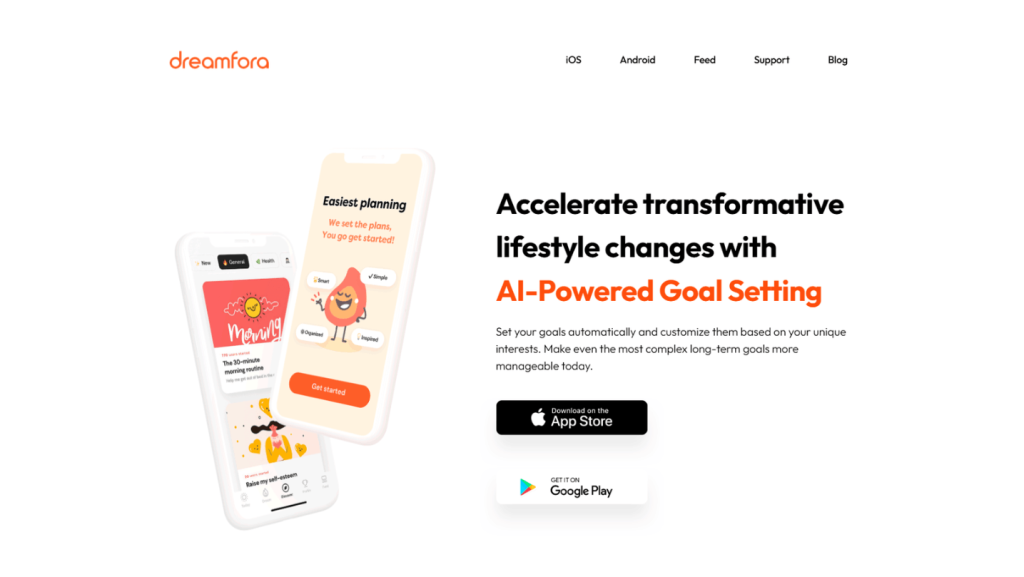
Dreamfora is for people who want the “roadmap” included. If you have a vague goal like “Run a Marathon” or “Become a Web Developer,” Dreamfora provides the plan.
My Experience: The onboarding is fantastic. You select a “Dream,” and it automatically populates your habit list with expert-curated tasks. For example, the “Health” dream added “Drink 2L water” and “30 min cardio” instantly. It removes the friction of deciding what to track, which is often where people fail in the first week.
- Pros: Zero-setup required; beautiful, ad-free experience; motivational quotes that aren’t cheesy.
- Cons: Less customization for users who want to build a routine from scratch.
- Platforms: Android, iOS.
- Price: Free.
- Unique Features: “Dream” templates; milestone tracking; holistic progress reports.
7. Rabit: The Best Visual Habit Builder for Engagement
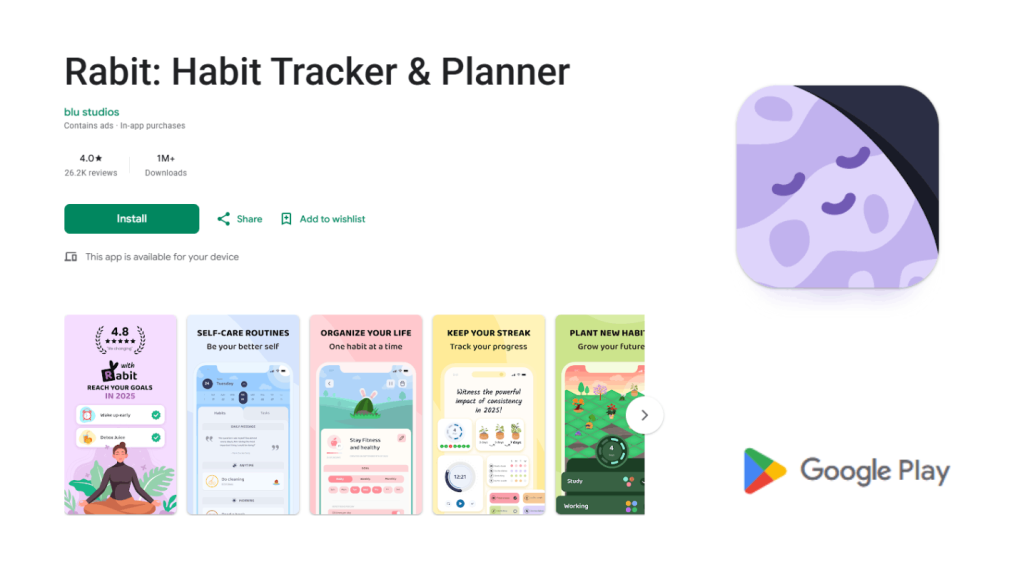
Rabit turns your habits into a digital garden. Every habit you add starts as a tiny seed.
My Experience: This app is all about the “Visual Reward.” If you stay consistent, your plant grows into a beautiful flower or tree. If you forget your habits, the plant withers. It sounds simple, but the “Tamagotchi effect” is real—I found myself opening the app just to make sure my digital sunflower wasn’t dying. It’s great for high-volume tracking because seeing a whole garden flourish is incredibly satisfying.
- Pros: High engagement; beautiful animations; great for kids and adults alike.
- Cons: Can feel a bit “childish” for some professional users; ads in the free version.
- Platforms: Android, iOS.
- Price: Free (with ads and premium visuals).
- Unique Features: Digital gardening; “Map” of your habits; interactive widgets.
8. Avocation: The Best Science-Based Habit Tracker for Beginners
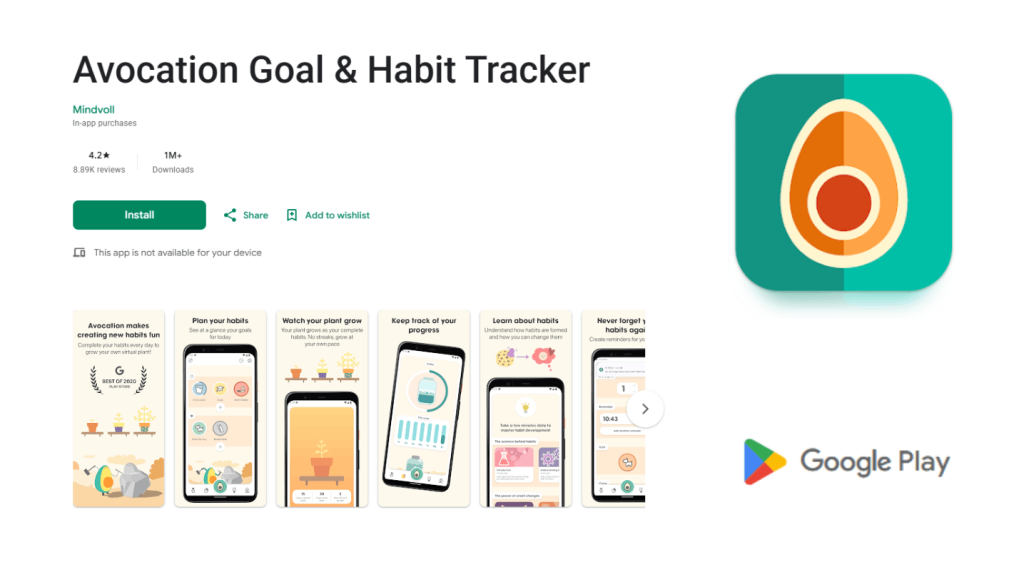
Avocation isn’t just a tracker; it’s a coach. It includes short, illustrated lessons on behavioral psychology to explain why habits stick.
My Experience: The app is built around the “Circle of Life” philosophy. It’s very lightweight and doesn’t bombard you with notifications. I found the “Lessons” section genuinely helpful—it explains concepts like “Habit Stacking” and “The Cue-Routine-Reward Loop” in about 2 minutes of reading. It’s the best choice if you’re new to the world of productivity.
- Pros: Educational; very privacy-focused; calm UI that reduces anxiety.
- Cons: Lacks advanced analytics for data nerds.
- Platforms: Android, iOS.
- Price: Free / One-time “Grow your tree” donation.
- Unique Features: Behavioral science lessons; water tracking integration.
9. Habitify: The Best Data-Driven Tracker for Analytics Junkies
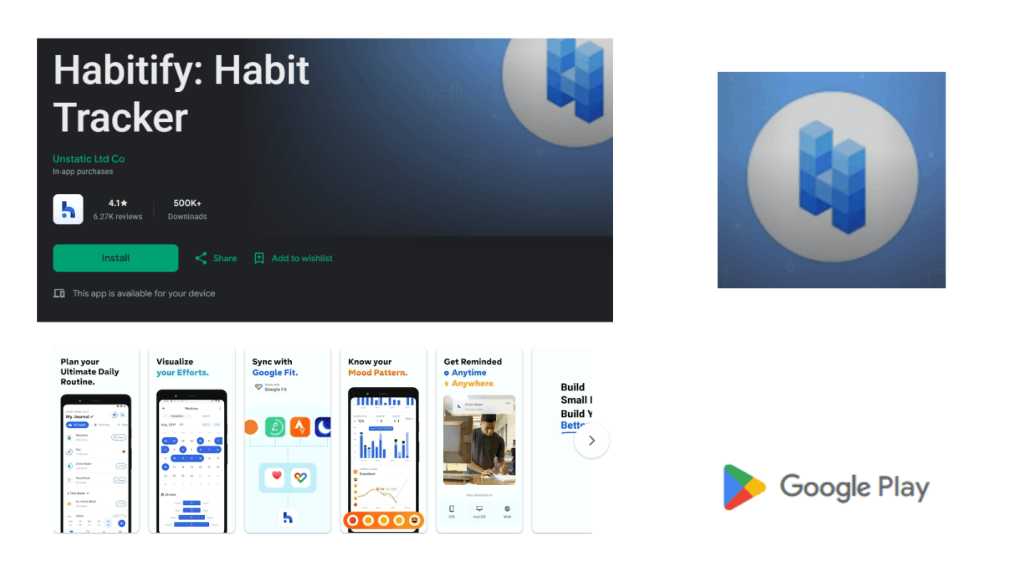
If you love spreadsheets and data points, Habitify is your choice. It groups habits by “Areas” (Morning, Afternoon, Evening) to help you optimize your circadian rhythm.
My Experience: The analytics here are “Pro-grade.” It gives you a “Stability Score” and “Completion Rate” that help you identify exactly which part of your day is failing. I realized through Habitify that my evening habits have a 40% lower completion rate than my morning ones. This allowed me to move my “Journaling” habit to the morning, where I was more likely to actually do it.
- Pros: Multi-device sync (including WearOS); deep data insights; very professional UI.
- Cons: The free version used to be very limited; check for the latest “unlimited” updates as they tweak their tiering.
- Platforms: Android, iOS, WearOS, Mac, Web.
- Price: Free tier available / Subscription for full history.
- Unique Features: Stability scores; habit grouping by time of day; dark mode.
The Verdict: Which One Should You Install?
As a tech-savvy user, your choice should depend on your Data vs. Design preference:
- The Privacy Purist: Go with Loop. No ads, no cloud, just pure, unadulterated data.
- The Gamer: Habitica is the only one that will keep you motivated through social pressure and RPG loot.
- The Minimalist: Everyday offers the cleanest “at-a-glance” view for those who hate cluttered UIs.
- The All-In-One User: TickTick is the best choice to keep your tasks and habits in a single ecosystem.
Read Also: [Free] 10 Best Universal AC Remote Control App for Android
FAQs: Everything You Need to Know About Habit Trackers
1. Is Loop Habit Tracker really free? Yes. Loop is open-source (GPLv3). There are no hidden costs, no ads, and no premium versions. It’s supported by the community.
2. Can I track “bad” habits to quit them? Most of these apps, specifically HabitNow and Loop, allow you to track “negative” habits. Instead of checking them on, you check them off when you avoid the behavior.
3. Do these apps work offline? Apps like Loop and HabitNow work perfectly offline because they store data locally. Cloud-based apps like Habitica or TickTick need an internet connection to sync, though they usually allow offline logging.
4. How do I move my data from one app to another? Look for the Export function in settings. Most will give you a .csv file. While you can’t always “import” a CSV into a different app directly, you can keep the file as a permanent record of your progress.
Which of these apps fits your current workflow? Drop a comment below if you’ve found a hidden gem that didn’t make the list!
![[Free] 10 Best Universal AC Remote Control App for Android](https://rhozex.com/wp-content/uploads/2026/01/Free-10-Best-Universal-AC-Remote-Control-App-for-Android-768x432.jpg)